Tools for the Gatsby course
We need to download and install the necessary tools for this course.
The tools we need to install are listed below:
- Install Offline Editor (VS Code)
- Git/Terminal
- node / npm (node package manager)
- Postman
Install Offline Editor ✍🏼
There is a lot of option for choosing an offline editor. Pick the offline editor that you are comfortable with. VS Code is the most popular offline editor among developers. You can download VScode on this page.
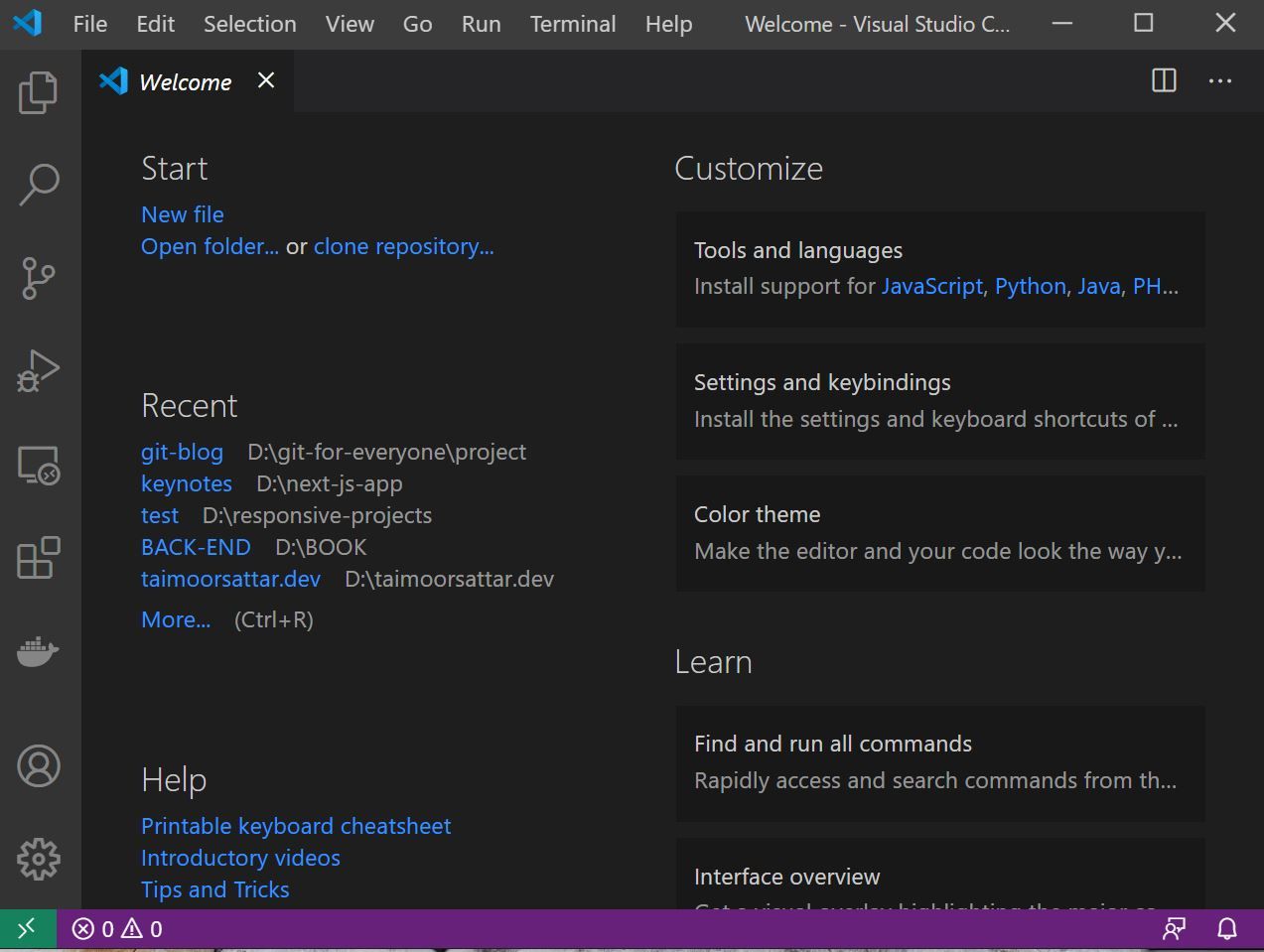
The VScode preview is as below:
Install Git Bash 🤝
Git is a version control system that helps us to manage/track the project's files. The reason to use Git in our project is as follows:
- Tracks changes in the project
- Helps to collaborate between different teams
- Create branches for the different features of the project
Git History keeps you track of what changes you have made in the past. You can also preview what line of code changes and how the file has evolved. It tells us which lines of code we added and which lines of code we remove. You can also revert changes using Git.
Git help to collaborate with your team. You continue to work on your section and your teammates work on their section.
To install Git on your system, you need to download git-SCM from the below page.
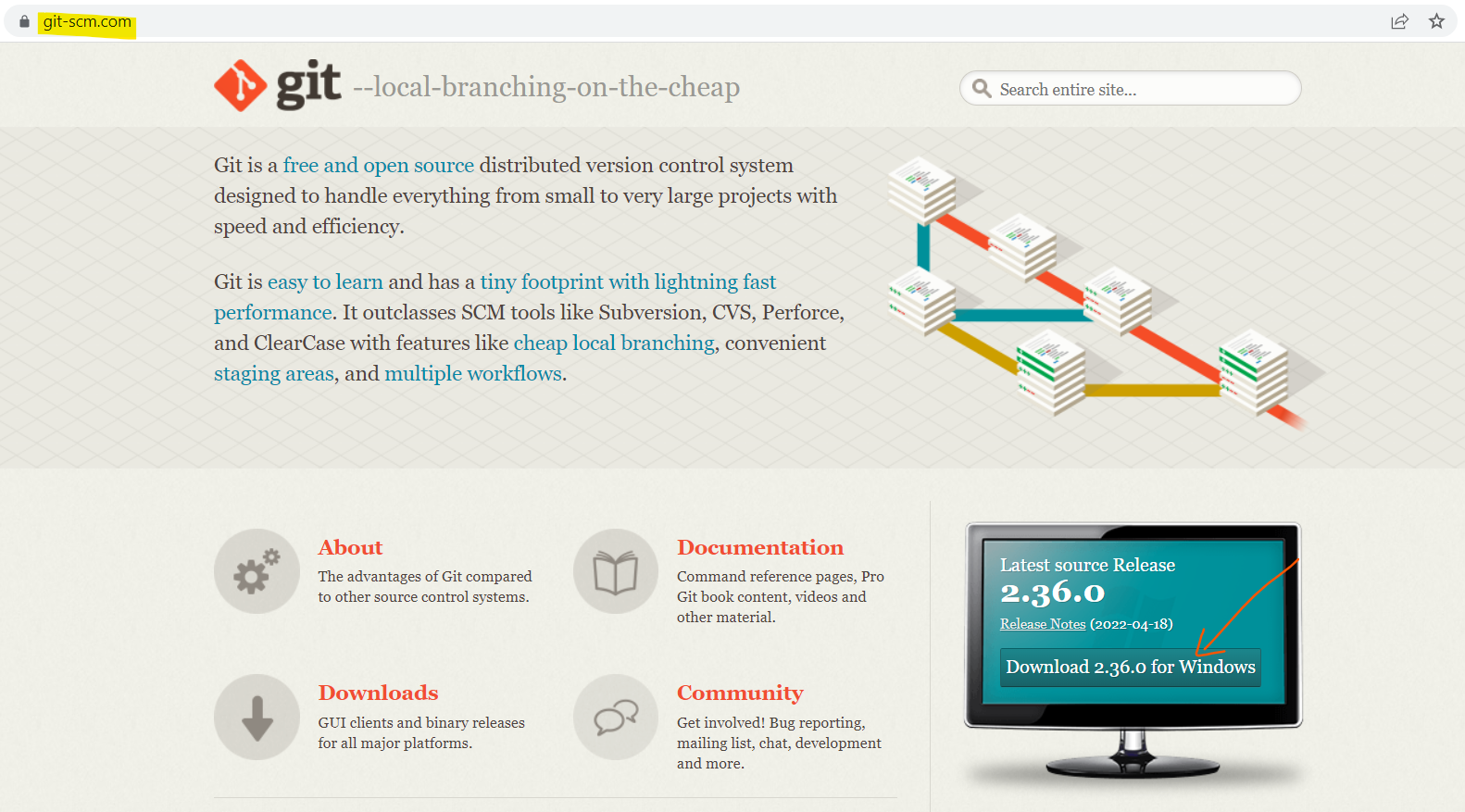
Along with Git, it also downloads the bash terminal. Once the download is complete, you can search for the bash terminal on your system as below.
- On Linux, press
CTRL+ALT+tto open the terminal. - On Mac, Open the terminal window.
- On Window, Search for Git bash to open up a terminal.
Type and execute the below command in the terminal to verify that git is installed on your system.
git --versionAfter executing the about command, it will log the version of git installed on your system. For me, it logs as below:
git version 2.9.0.windows.1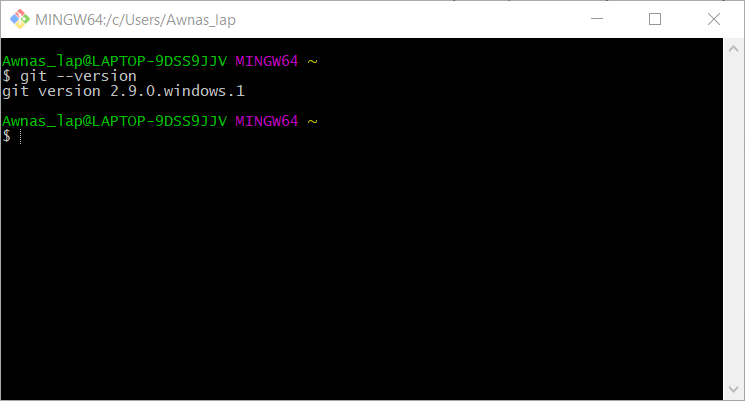
After Git is installed on your system, you can configure the user that's responsible for file changes by executing the below two (2) commands.
git config --global user.email "you@example.com"

git config --global user.name "Your Name"
In the above, replace "you@example.com" with your email and "Your Name" with your name as shown below.

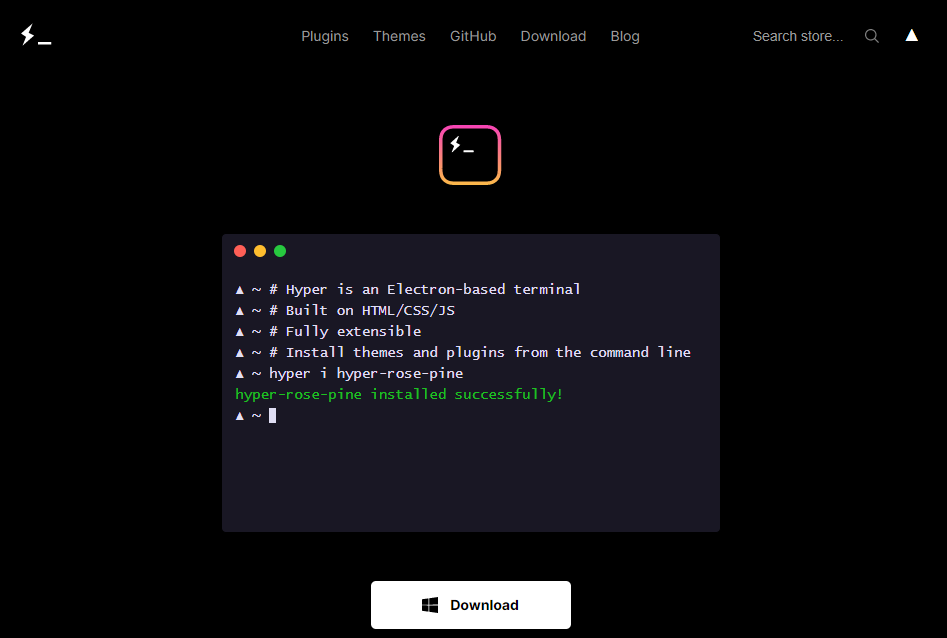
You can also try the below terminal for a better user experience.
node / npm (node package manager) 📦
- Node.js is a server-side language. With Node.js, we can run JavaScript on the server.
- npm is the node package manager. With npm, we can install 3rd party packages created by other developers in our project. You can search for thousands of packages at its official website npmjs.com.
You can download node.js on the official node download page; it comes along with npm installed on your system.
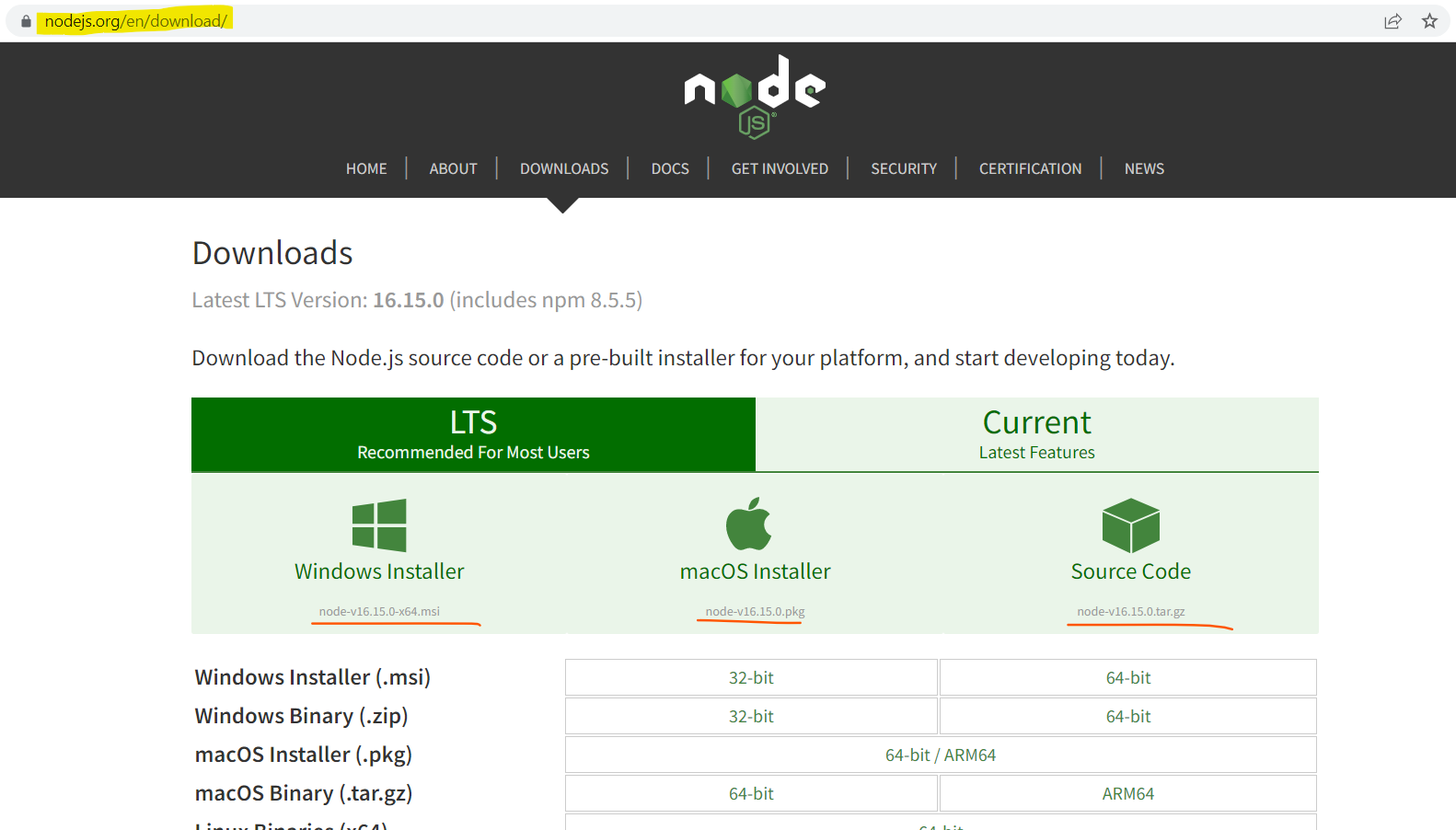
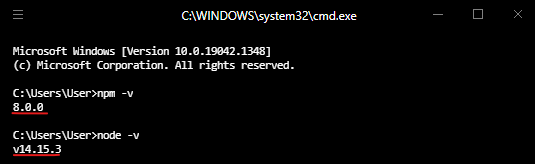
To check whether the npm and node are installed on your system, you can execute the below two (2) commands in the terminal.
npm -v

node -v
The above command is the current version of npm and node in the terminal as shown in the below image. Your version may be different from as shown in the image.
Postman
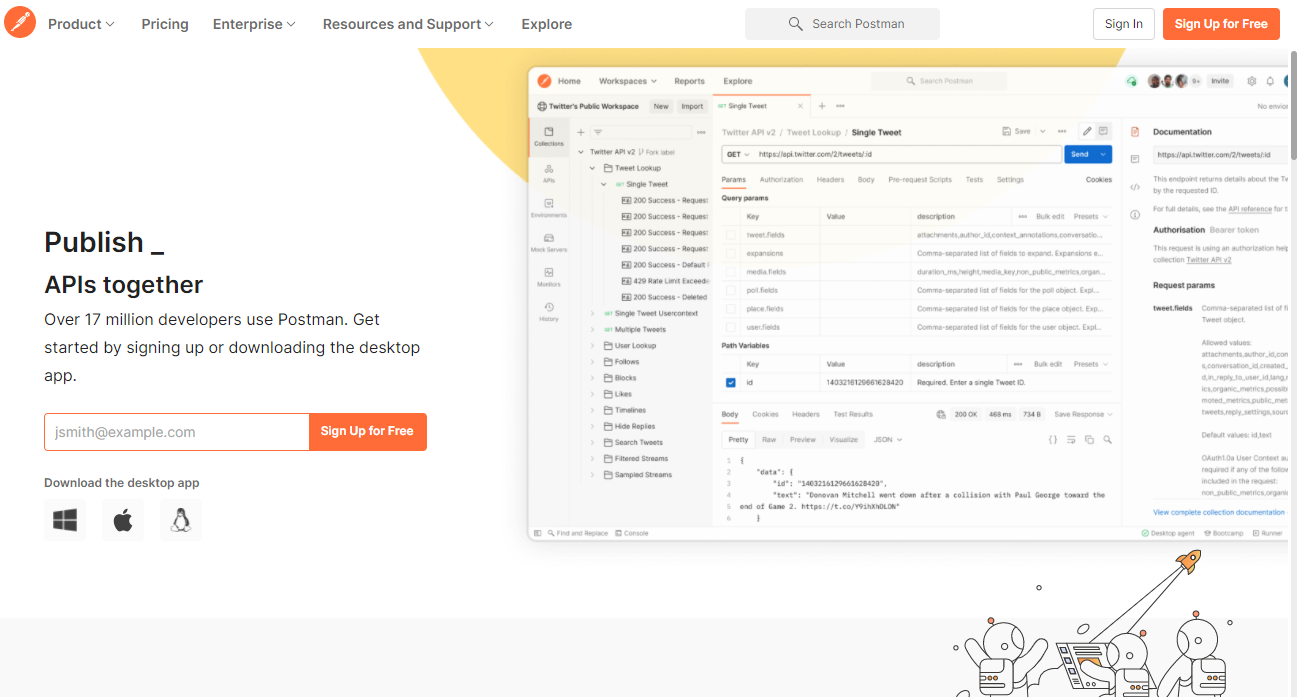
We can use Postman to test the API response, later in the course. You can download the Postman tool at the below URL:
That it!!! In the next section, we start working on the Gatsby project and understand the basic elements.